

Write the workflow
This agent answers a customer’s support ticket with Claude, using the Anthropic SDK. It has one tool, which looks up an order.nelkap/workflows/answer-ticket.ts
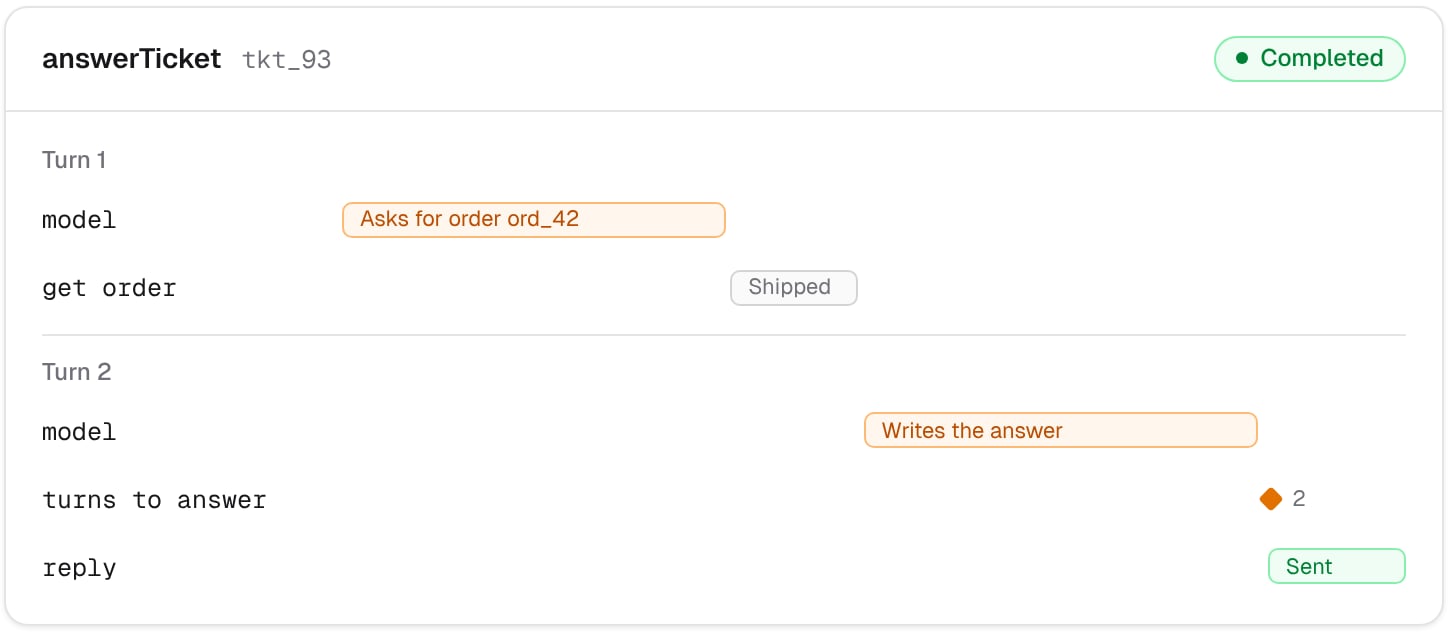
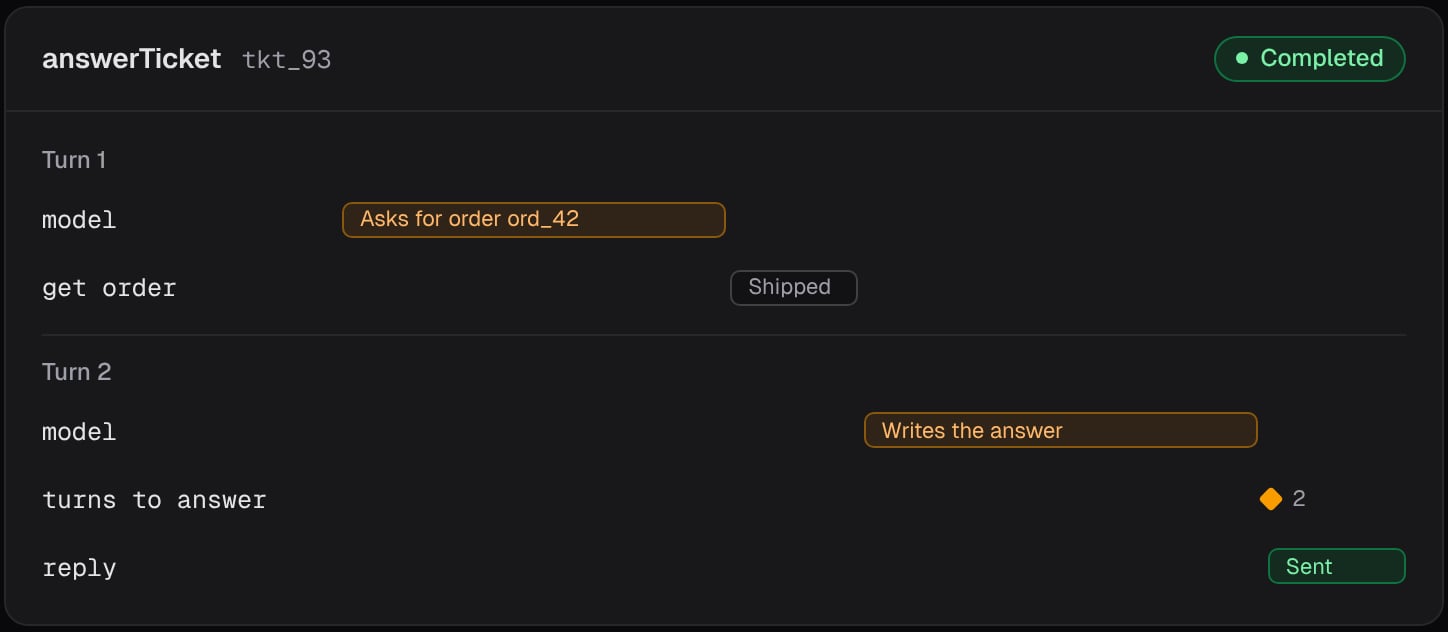
- Calls the model with the conversation so far, in a step named
model. - If the model has its answer, records how many turns it took, sends the reply, and ends.
- If the model asks for orders, looks up each one in a step named
get order, and adds the results to the conversation for the next turn.
getOrder and sendTicketReply with your own functions.
How the agent picks up after a restart
The conversation itself isn’t saved. On every call, the workflow rebuilds it from the saved steps:- Steps of the same name are matched in order. When the run picks up, the first
modelstep gives back the first answer, the second gives back the second, and so on. The same goes forget order. - So the loop goes through the turns already made in an instant, without calling the model or your tools again. The model is called again only from the first turn with no saved answer.
Limits that keep the agent in check
- The loop stops after 10 turns, so a confused agent can’t run forever. A run holds up to 100 steps.
- If the model stops for any other reason, like reaching
max_tokens, the run fails, and the reason shows on its page.
Start a run for each ticket
Register the workflow, and cap how many tickets are answered at once to stay within your model provider’s rate limits:nelkap/index.ts
See it run
Open the run in your project’s runs. Each model call and each order lookup is a step, with exactly what it returned. When an answer looks wrong, you can read the turn where the agent went off track. Theturns to answer score is charted over time, so you can see whether a change to the prompt or the tools makes the agent faster.
Ideas to extend it
- Add more tools, each run in its own step.
- Pause for a person’s approval before sending the reply, with
step.wait, as in the refund approval example. - Record more scores, like whether the customer reopened the ticket.