

Write the workflows
The import takes two workflows: one that starts the batches, and one that imports a batch.nelkap/workflows/import-contacts.ts
importContacts takes the import and the user’s email address:
- It splits the file into batches of 1,000 rows, and saves their IDs.
- It starts a run of
importBatchfor each batch. Each start is a step, so a run that picks up halfway doesn’t start the same batch twice. Every batch run is tagged with the import’s ID.
importBatch takes one batch:
- It imports the batch’s rows.
- It marks the batch as done, and counts the batches left.
- If none is left, it emails the user that the import is done.
Write the functions it calls
Replace the functions fromlib with your own. Three details keep the import exact:
importRowswrites each contact with an upsert, keyed by its email address. A batch cut off and run again then updates the same contacts instead of adding them twice.markBatchDonemarks the batch as done in your database, then returns how many batches of the import aren’t done. Marking a batch done twice changes nothing, so the count stays right when the step runs again.sendImportDoneEmailpasses an idempotency key to your email provider. Two batches that finish at the same moment can both see no batch left, and the key makes sure the user gets one email.
Start the import
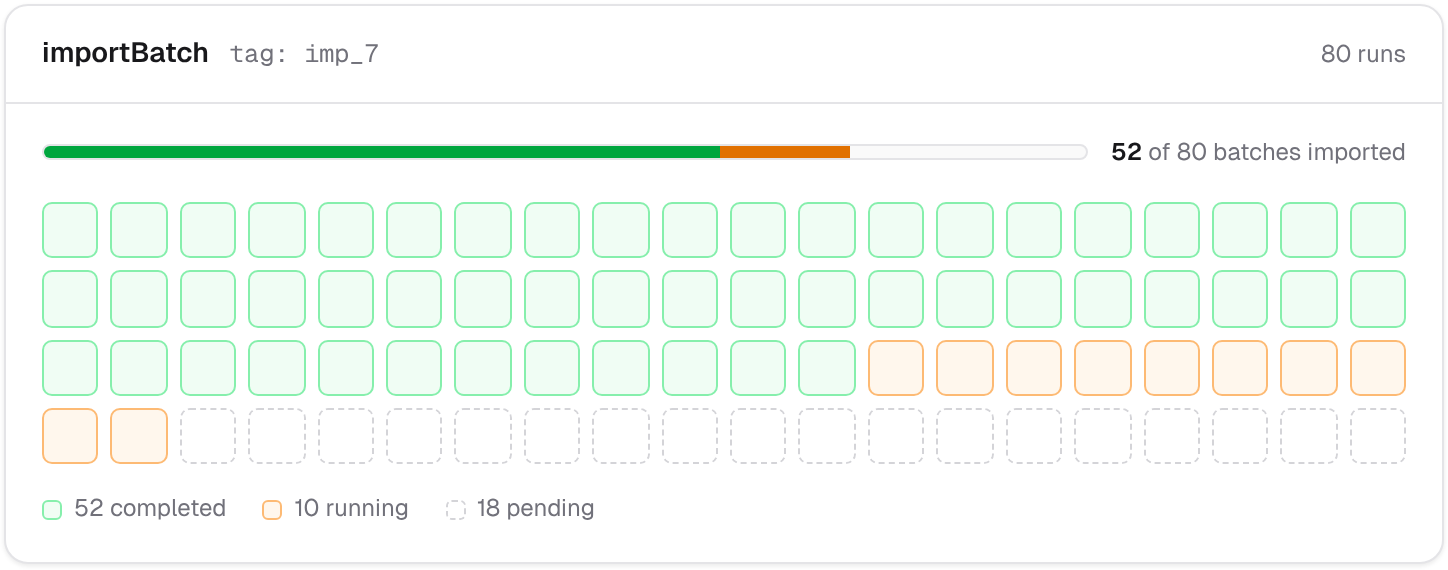
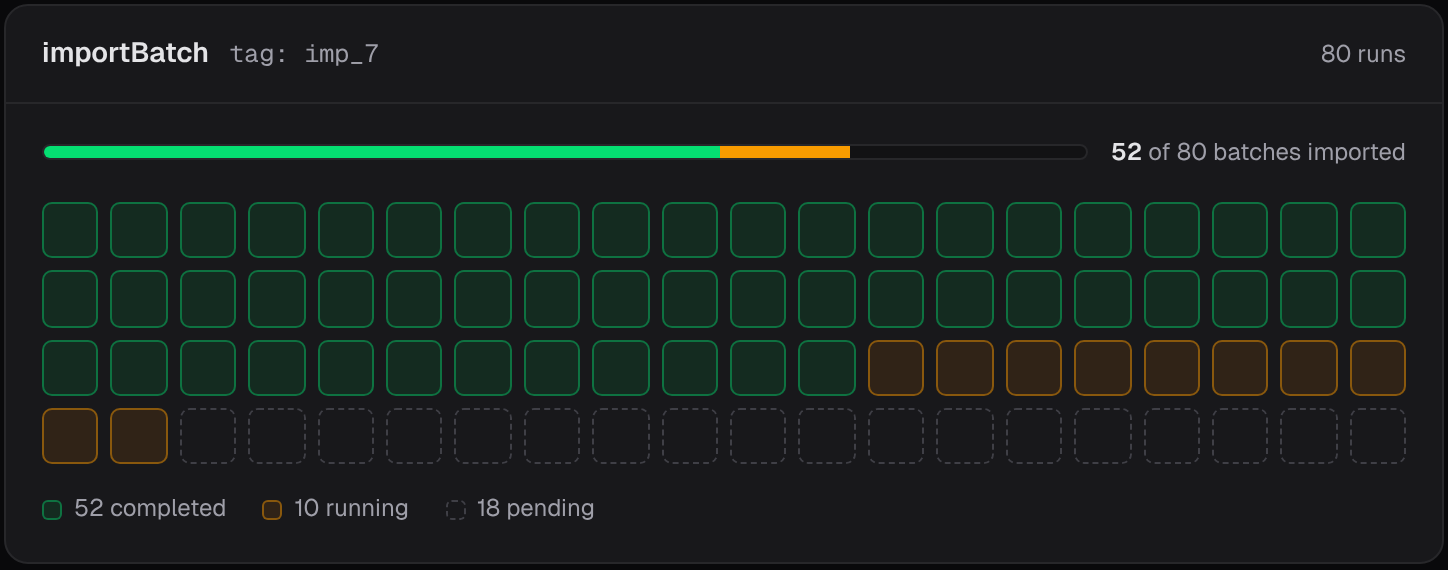
Register both workflows.importBatch gets a concurrency limit, so at most 10 batches run at once:
nelkap/index.ts
See it run
Filter your project’s runs by the import’s ID: the tag lists the import’s run and every batch run. Ten batches run at a time, and the others show as pending until a place frees up. If a batch fails, its run shows the error, and the import waits for it. Fix the cause, and replay the batch’s run: it imports the batch, and sends the email if it was the last one.Import bigger files
importContacts holds one step per batch, and a run holds up to 100 steps. With batches of 1,000 rows, that’s up to 99,000 rows. For more, make the batches bigger, or add a level: start a run per group of batches, and let each of those start its batches. See Loops and parallel steps.
Ideas to extend it
- Tell the user when a batch fails: catch the
StepErroraround the import step, and email them before you throw it again. - Record the share of valid rows in each batch with
step.score, to chart the quality of your imports over time.